
Passkeys vs. Passwords: Are Passkeys Finally Safer—and Easier—for the Average American?
Passkeys are emerging as a safer and often simpler alternative to traditional passwords. Unlike passwords, they use cryptographic credentials tied to a specific website and unlocked through a device PIN or biometric check. They resist phishing, eliminate password reuse, and reduce forgotten-login problems. For most Americans, passkeys are worth adopting where available—while maintaining recovery options and device security.
Passkeys Are Moving From “New Technology” to Everyday Sign-InFor years, Americans have been told to create long, unique passwords, avoid reusing them, turn on two-factor authentication, beware of phishing emails, and change compromised credentials. The advice is sound, but the problem has always been practical: ordinary people have dozens, sometimes hundreds, of online accounts.
That is where passkeys are beginning to change the equation.
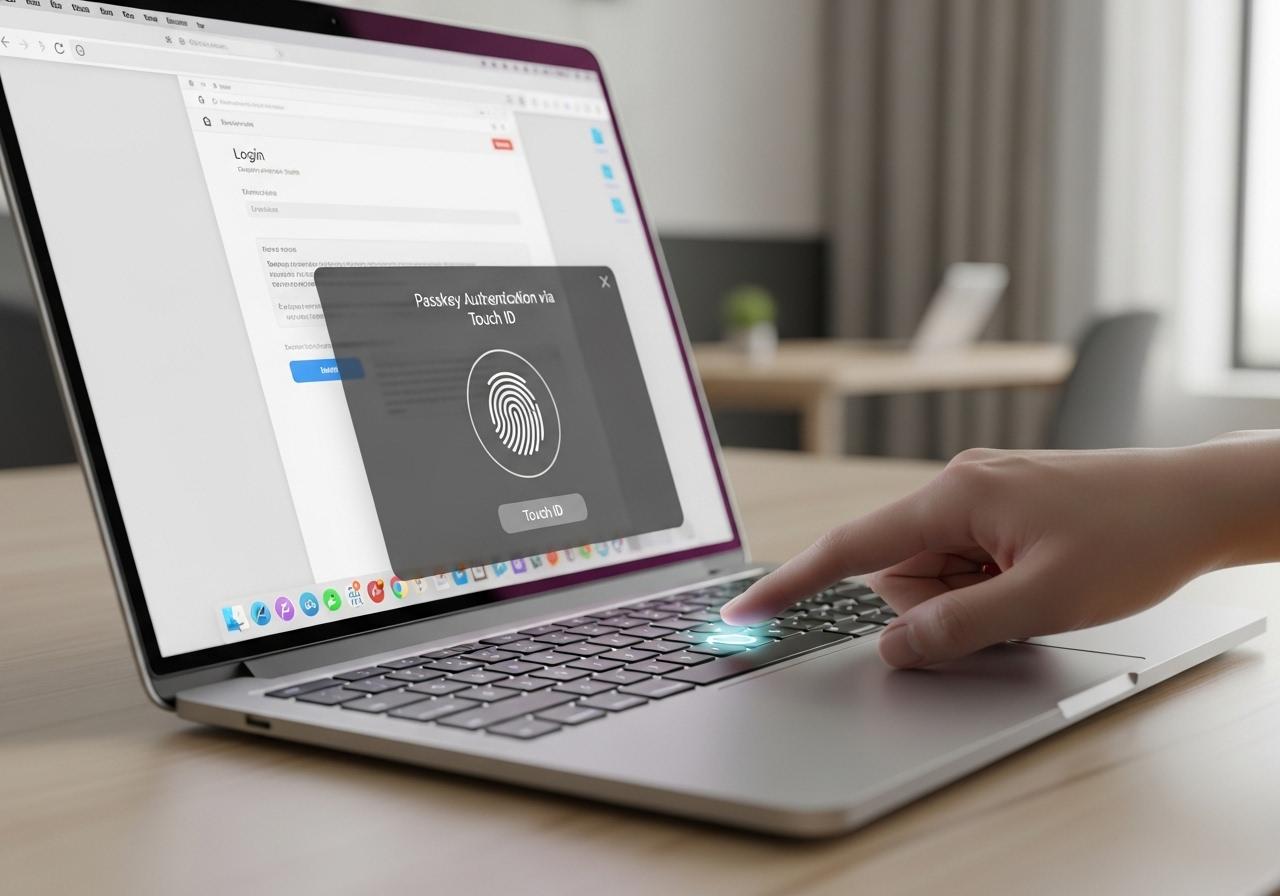
A passkey replaces the traditional password with a cryptographic credential created for a specific website or app. Instead of typing a secret that the website has to recognize, your device proves that you possess the correct private key. You typically approve the sign-in using Face ID, Touch ID, a fingerprint, a device PIN, or another local unlock method.
The technology is based on FIDO standards and WebAuthn, rather than being a proprietary password replacement. FIDO says passkeys are supported across major operating systems, browsers, and third-party passkey providers.
The timing is significant. The FIDO Alliance reported in May 2026 that an estimated 5 billion passkeys were in active use worldwide, with 90% of surveyed consumers familiar with passkeys and 75% having enabled at least one. The study surveyed 11,000 adults across 10 countries, including the United States.
That does not mean passwords are disappearing from American life overnight. They are not. But passkeys have crossed an important threshold: they are now practical enough for everyday consumers to consider.
The real question is therefore not whether passkeys are technically impressive. It is whether they are actually safer and easier for a normal person.
For most people, the answer is increasingly yes—with a few important qualifications.
What Is a Passkey, Exactly?A passkey can sound more complicated than it actually is.
Think about unlocking your smartphone. You may look at the phone, touch a fingerprint sensor, or enter a PIN. The device verifies that it is you, and you gain access.
A passkey uses a similar experience for websites and apps.
When you create one, your device generates a cryptographic key pair. The website receives the public portion, while the private portion remains protected by your device or passkey provider. When you return, the service sends a challenge, and your device uses the private key to prove that you have the legitimate credential.
Your fingerprint or face is generally being used to unlock the credential locally rather than being transmitted to the website. FIDO states that biometric information remains on the user's device and is not sent to the remote service.
For an American consumer, the experience may simply look like this:
1. Visit a supported website.
2. Select Sign in with a passkey.
3. Your phone or computer asks you to authenticate.
4. Use Face ID, fingerprint, PIN, or another device unlock method.
5. You're signed in.
There is no password to type, memorize, reset, or accidentally reuse elsewhere.
What Happens When Your AI Agent Gets Access to Your Email, Files and Apps? The New Security Problem Businesses Need to Understand
ChatGPT vs. Claude for Work: Which AI Is Actually Better for U.S. Businesses in 2026?
How Much Are U.S. Companies Really Spending on AI in 2026? The Numbers Behind the AI Spending Boom
Can AI Agents Actually Replace Business Software in 2026? What the “SaaSpocalypse” Debate Gets Right—and Wrong
Passwords themselves are not inherently useless. A long, randomly generated password stored in a reputable password manager can be extremely difficult to guess.
The problem is human behavior and the way password systems interact with the internet.
People forget passwords. They reuse passwords. They create predictable variations. They type them into fake websites. They save them in insecure locations. They sometimes share them with family members or coworkers. And when one service suffers a breach, stolen credentials can be tested against other services.
FIDO's 2025 consumer research found that 36% of respondents said they had experienced at least one account compromise related to weak or stolen passwords, while 48% said they had abandoned an online purchase because they forgot their password.
That illustrates an important point: password security is not simply a cryptography problem. It is a usability problem.
Imagine someone in Chicago who uses the same email address for a streaming service, online retailer, airline account and a financial app. If they reuse a password, a compromise at one service potentially creates opportunities elsewhere.
A password manager dramatically improves this situation by generating unique passwords. But the user still has to protect the password manager's primary credential and remain careful about phishing.
Passkeys address the problem differently.
They are designed so that the credential is unique to the service, while the authentication process is cryptographically tied to the legitimate website or app. That makes many of the attacks that work against passwords substantially harder to execute.
💡 Discover More from Cybersecurity

AI & Automation
AI Agents vs. AI Assistants: What’s the Difference—and Which One Should Your Business Use in 2026?

AI & Automation
The Future of Generative AI in Creative Industries
AI & Automation
Machine Learning in Healthcare: Transforming Diagnosis and Treatment

AI & Automation
How Artificial Intelligence Is Redefining Workplace Productivity
For the most common online attacks against consumers, passkeys have a meaningful security advantage.
The biggest difference is phishing resistance.
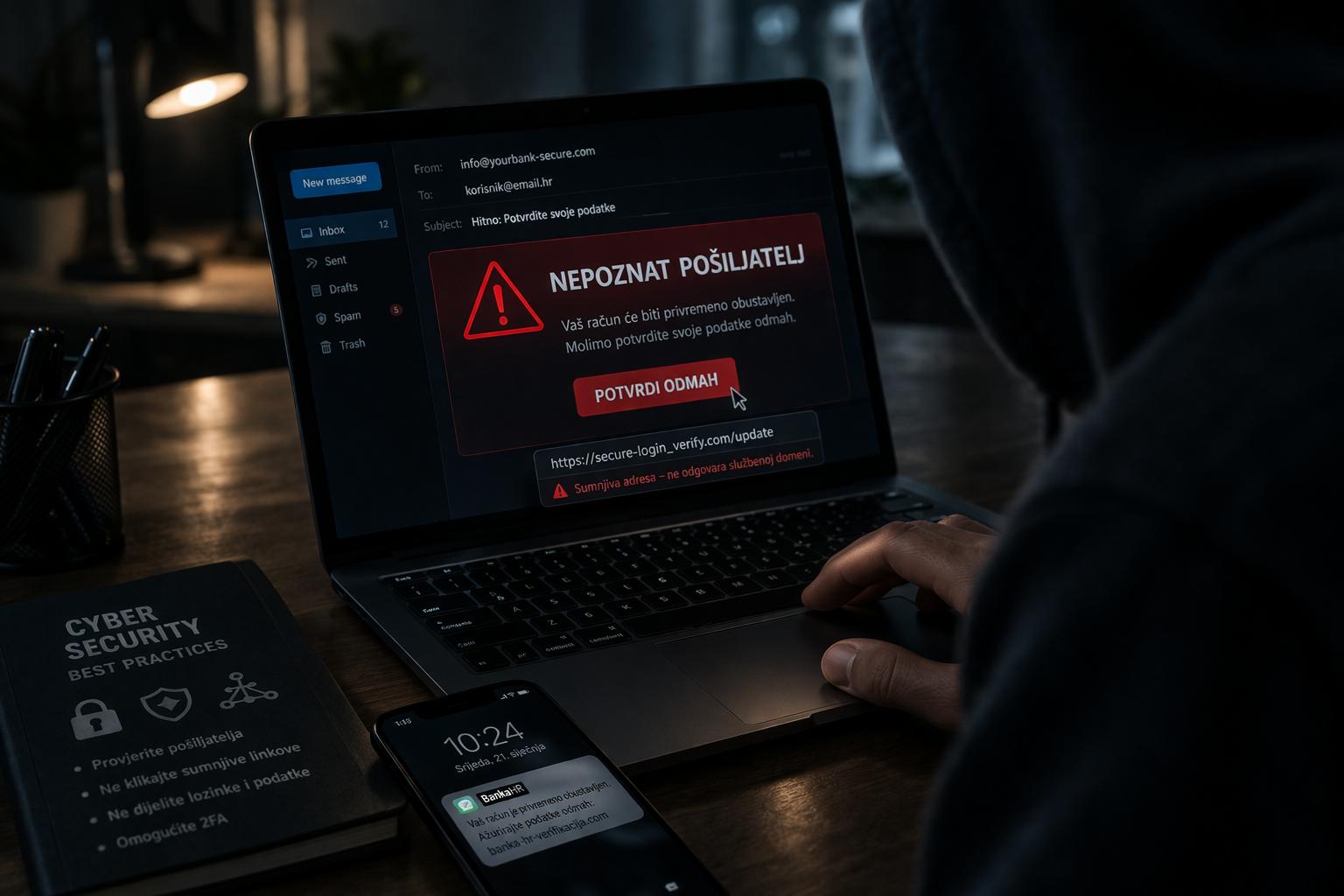
A conventional password can be entered into a fake website. If the fake website convinces you that it is your bank, email provider, retailer or employer, you might voluntarily give the attacker your password.
A properly implemented passkey does not work that way.
The cryptographic authentication process is bound to the legitimate service. The fake website cannot simply ask you to type the secret into a box because there is no password secret for you to disclose.
NIST describes phishing-resistant authentication in terms of preventing authentication secrets or valid authentication outputs from being disclosed to an impostor verifier.
That is one reason passkeys are fundamentally different from simply making passwords longer.
Consider two scenarios.
With a password: You receive an email saying your bank account requires verification. You click a convincing link, land on a fake login page and enter your username and password. The attacker receives the credentials.
With a passkey: You visit the fake site and attempt to authenticate. The passkey authentication is designed to recognize that the site is not the legitimate service, so the credential cannot simply be handed over to the attacker.
That does not mean passkeys make phishing disappear. Scammers can still trick people into giving away recovery codes, approving fraudulent transactions, installing malicious software or handing over devices.
But they remove one of the most valuable things a phishing attack tries to steal: the reusable password.
Are Passkeys Safer Than Passwords Plus Two-Factor Authentication?This is where the comparison gets more nuanced.
Password plus a strong authenticator can provide excellent security. In fact, consumers who cannot use passkeys should still use multifactor authentication wherever possible.
But not every second factor is equally resistant to phishing.
SMS codes, for example, can be intercepted or socially engineered. One-time codes delivered through other channels can also be entered into fraudulent websites.
FIDO describes passkeys as phishing-resistant credentials that can replace password-plus-OTP flows in appropriate implementations.
The practical hierarchy for a typical consumer looks something like this:
- Reused password: Poor security practice.
- Unique password: Better.
- Unique password + SMS verification: Better still, but still vulnerable to certain attacks.
- Unique password + authenticator app: Stronger.
- Passkey: Strong phishing resistance with less memorization.
- Hardware-backed, device-bound passkey/security key: Particularly strong for high-security situations.
This does not mean everyone needs a physical security key.
For the average American managing shopping, email, streaming, travel and social accounts, a synced passkey on a well-secured smartphone or computer can be a very practical improvement.
 Are Passkeys Actually Easier Than Passwords?
This may be their most important consumer advantage.
Security tools often fail when they make ordinary life harder.
A password manager is secure, but some people find it confusing. Multifactor authentication is valuable, but waiting for codes can feel annoying. Security keys can provide excellent protection, but they introduce another physical object.
Passkeys often reduce friction.
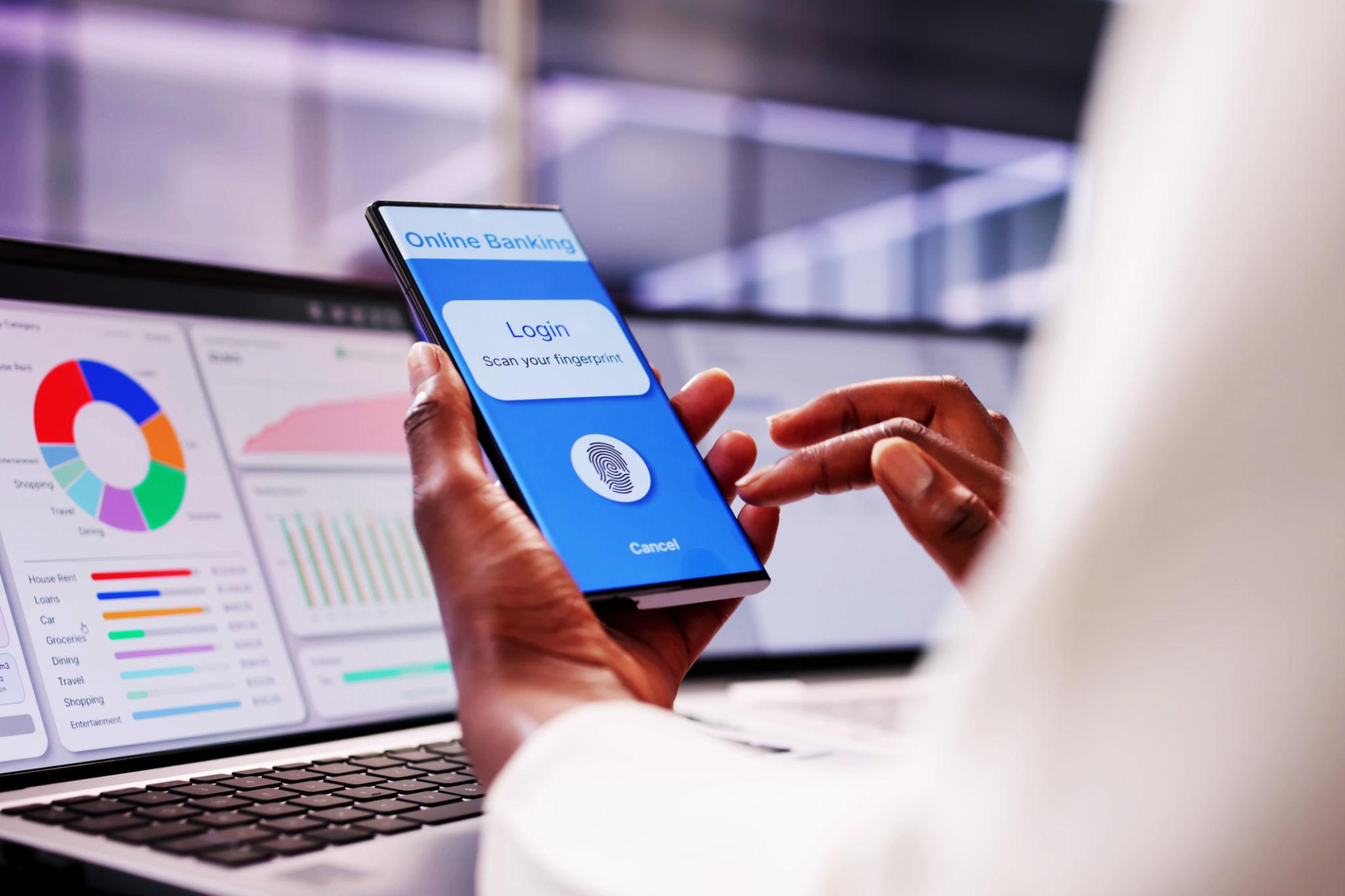
Instead of remembering whether a website requires 12 characters, a symbol, an uppercase letter and a number, you simply authenticate using the same device-unlocking method you already use.
FIDO's consumer materials emphasize that passkeys remove the need to remember passwords and can provide faster, more successful sign-ins.
That matters for people who do not think of cybersecurity as a hobby.
A 67-year-old retiree managing Medicare-related websites, banking, travel and healthcare portals may not want to learn a complicated authentication system. A college student with 50 online accounts may not want to remember 50 passwords. A busy parent may simply want to check an account without dealing with another reset screen.
Passkeys fit naturally into those situations.
What Happens If You Lose Your Phone?This is probably the most reasonable concern about passkeys.
What happens if your iPhone is stolen at the airport? What if your Android phone falls into a swimming pool? What if you replace your computer?
The answer depends on how the passkey is stored.
Many consumer passkeys are designed to synchronize through a passkey provider or platform credential manager. FIDO describes synced passkeys as being end-to-end encrypted and says major operating systems and third-party providers support passkey synchronization.
That means losing one device does not necessarily mean losing every passkey.
However, account recovery still matters.
Consumers should make sure their primary Apple, Google, Microsoft or other ecosystem account is itself strongly protected. A passkey system is only as resilient as the recovery methods surrounding it.
Before switching heavily to passkeys, make sure you understand:
- Which devices have access to your passkeys.
- Whether your passkeys are synchronized.
- How you recover the account if a device is lost.
- Whether another trusted device can authenticate you.
- What backup recovery options the service provides.
- How you will secure your primary email account.
The important lesson is that passkeys reduce password risk; they do not eliminate account-recovery risk.
What If a Website Still Requires a Password?That will remain common for years.
Passkeys are not a universal replacement that you activate once and use everywhere. Each website or app has to support the technology.
You may therefore end up in a transitional period where:
- Your email uses a passkey.
- Your bank still uses a password and MFA.
- Your favorite retailer offers both.
- An older government website requires a traditional login.
- A workplace uses a hardware security key or enterprise authentication system.
There is nothing wrong with that.
The practical goal should not be eliminate every password immediately.
Instead, prioritize your most important accounts first.
Which Accounts Should Americans Convert to Passkeys First?The highest-value targets are accounts that can unlock other accounts or expose valuable personal information.
Start with your primary email account. Email is particularly important because password-reset links for many other services arrive there.
Then consider:
- Apple, Google or Microsoft accounts
- Financial and investment accounts that support passkeys
- Major shopping accounts
- Cloud-storage accounts
- Social media accounts
- Work accounts
- Password-manager accounts
- Travel and airline accounts
Your email account deserves special attention because an attacker who gains access to it may be able to reset passwords elsewhere.
For financial accounts, always follow the security options provided directly by your bank or brokerage rather than assuming a passkey is available or supported in a particular login flow.
Do Passkeys Make Password Managers Obsolete?No.
This is an easy conclusion to reach, but it is too simplistic.
Password managers remain useful because many websites still require passwords. They can generate unique credentials, store them securely and help people avoid password reuse.
Passkeys and password managers are increasingly complementary.
A consumer might use passkeys for services that support them while continuing to use a password manager for older websites.
In fact, some password managers can store and synchronize passkeys themselves. FIDO identifies third-party passkey providers as one of the available approaches alongside operating-system and browser-based providers.
So the realistic future is unlikely to be password managers disappear.
It is more likely to be a mixture in which passkeys handle more authentication while password managers continue managing the remaining passwords.
What Are the Downsides of Passkeys?Passkeys are better designed for phishing resistance, but they are not magic.
Their biggest disadvantages are practical rather than fundamental.
First, support is inconsistent. Not every website offers them.
Second, recovery can be confusing. Consumers need to understand how their passkeys are synchronized and what happens if they lose access to their devices.
Third, ecosystems matter. People who use multiple device platforms may encounter different experiences depending on the passkey provider.
Fourth, account takeover can still happen through other routes. If someone gains control of your email, device, recovery process or cloud account, a passkey does not automatically solve every security problem.
Fifth, social engineering remains possible. A scammer can still convince someone to install malicious software, reveal recovery information or approve a transaction.
These limitations are why responsible security guidance should avoid saying that passkeys make someone hack-proof.
They do not.
They address a specific and very important weakness in traditional authentication.
 Are Passkeys Safe for Older Americans?
Yes, provided the setup is understandable and the recovery process is planned.
For some older adults, passkeys may actually be easier than passwords because they reduce the need to remember complicated credentials.
The familiar action—unlocking a phone with a fingerprint, face scan or PIN—becomes the authentication mechanism.
The challenge is teaching the person what they are approving.
A family member helping an older relative should explain that a passkey does not mean that every unexpected popup should be approved. The person should still verify websites, ignore unsolicited login requests and avoid sharing recovery information.
Passkeys reduce one major category of mistakes. They do not eliminate the need for basic scam awareness.
What About Privacy and Biometrics?Another common misunderstanding is that creating a passkey means a website receives your fingerprint or face scan.
That is generally not how the system works.
The biometric check can take place locally on the device. The website receives cryptographic proof that authentication succeeded rather than receiving your raw biometric information. FIDO explicitly states that biometric information remains on the device.
This distinction is important.
Your phone may use your face or fingerprint to determine whether you are authorized to use the passkey. The online service does not need your face or fingerprint to perform that authentication.
Of course, consumers should still review the privacy practices of their device manufacturer, operating system and passkey provider. Authentication security and overall data privacy are related but separate questions.
What Should the Average American Do in 2026?For most people, the sensible approach is gradual adoption.
You do not need to rebuild your entire digital life in one weekend.
When a trusted service offers a passkey, consider enabling it—particularly for important accounts. Keep your devices updated, protect your primary device account and understand your recovery options.
A sensible checklist looks like this:
- Enable a passkey on your primary email account if supported.
- Secure your Apple, Google or Microsoft account.
- Use unique passwords wherever passkeys are unavailable.
- Enable MFA on important accounts.
- Prefer authenticator apps or phishing-resistant methods over SMS when practical.
- Keep your phone, computer and browser updated.
- Maintain recovery information.
- Never approve unexpected authentication requests.
- Be suspicious of urgent messages involving money, account suspension or security alerts.
- Review account sessions and connected devices periodically.
The biggest mistake would be treating passkeys as a reason to stop practicing basic cybersecurity.
They are a reason to remove one of the most persistent weaknesses from that cybersecurity routine.
The Bottom Line: Are Passkeys Finally Better for Everyday Americans?Passkeys have reached the point where the average American should take them seriously.
They are not experimental science fiction. Major platforms and services support them, the underlying standards are established, and adoption has reached billions of active credentials worldwide.
More importantly, passkeys solve two problems at the same time.
They can be safer because they are designed to resist phishing and eliminate the reusable password secret from the login process.
They can also be easier because users generally authenticate with a familiar device unlock method rather than remembering another password.
That combination is unusual in cybersecurity. Better security often creates additional work. Passkeys have the potential to make the safer option the easier option.
They are not perfect, and passwords are not disappearing immediately. Recovery systems, device security, service support and social engineering still matter.
But for consumers deciding what to do today, the practical answer is straightforward: when a reputable service offers a passkey, there is usually a strong reason to consider using it.
The most useful way to think about passkeys is not as another cybersecurity product to learn, but as a change in how online identity works.
Passwords ask people to remember secrets.
Passkeys ask devices to prove possession of cryptographic credentials.
That distinction matters because people are generally much better at protecting the phone they already use than remembering dozens of unique secrets. As passkeys become more widely supported, the safer choice can increasingly become the more convenient choice too.
For Americans, the sensible strategy is not to abandon every password tomorrow. It is to move important accounts toward phishing-resistant authentication whenever the option is trustworthy, while keeping strong recovery practices and device security in place.
Stay in the Loop


You May Also Like
 IOT & Blockchain 6 min read| 04 Sep 2026
Understanding the Legal and Regulatory Landscape of Blockchain Technology
Blockchain technology has rapidly evolved, offering innovative solutions across various sectors such as finance, supply chain, and healthcare. As its adoption grows, understanding the legal and regulatory landscape surrounding blockchain becomes increasingly important. Navigating this complex environment involves addressing legal challenges, regulatory requirements, and compliance issues to ensure that blockchain implementations are both effective and lawful.
 AI & Automation 5 min read| 04 Aug 2026
Machine Learning in Supply Chain Management: Optimization and Efficiency
Machine Learning (ML) is revolutionizing supply chain management by optimizing operations, enhancing efficiency, and improving decision-making processes. This article explores the transformative impact of ML in supply chain management, from demand forecasting and inventory optimization to logistics planning and predictive maintenance.
 AI & Automation 5 min read| 03 Aug 2026
AI in Marketing: Targeted Advertising and Customer Insights
Artificial Intelligence (AI) is revolutionizing marketing strategies by enhancing targeted advertising, improving customer insights, and optimizing campaign performance. This article explores the transformative role of AI in marketing, from personalized recommendations and predictive analytics to automated content generation and customer relationship management (CRM).
 Cybersecurity 4 min read| 26 Jul 2026
Unveiling the Future: Exploring the Latest Breakthroughs in Tech and Science
Welcome to the forefront of innovation, where the latest breakthroughs in technology and science are shaping the future of humanity. From artificial intelligence and biotechnology to space exploration and quantum computing, cutting-edge discoveries and advancements are paving the way for a new era of possibilities. In this article, we'll delve into some of the most exciting developments in tech and science and explore their potential impact on our world.